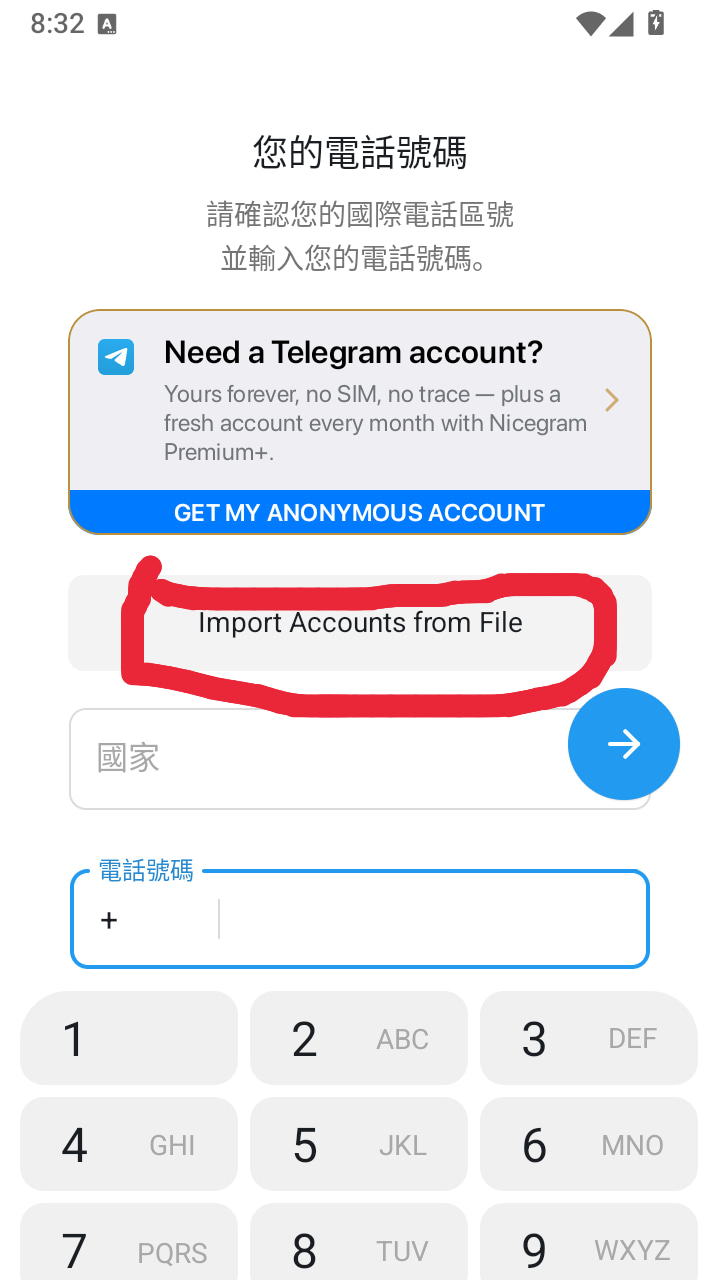
Computer Tdata Format File Login Tutorial
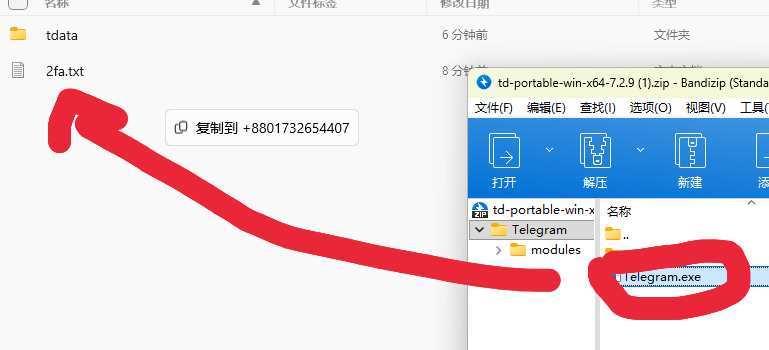
1. First, download the Telegram client 2. Drag the Tdata file into the directory where you want to store it 3. Drag the downloaded main program file into the same directory as the tdata folder 4. Then simply click to open it and the corresponding account will already be logged in 5. To switch to another client, bind Passkeys first, then log in using Passkeys