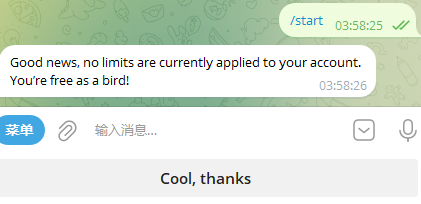
解决 Telegram 只能给双向联系人发送消息:SpamBot 申诉教程
Telegram 账号被限制后,无法向非联系人发送消息时,可通过官方
@SpamBot提交申诉。
申诉步骤
1. 打开申诉机器人
在 Telegram 中打开 @SpamBot。
2. 启动机器人
发送:/start
3. 选择申诉入口
点击 Submit a complaint 或 But I can’t message non-contacts。
4. 确认未违规
点击:No, I’ll never do any of this!
5. 填写申诉理由
然后填写申诉理由。下面提供几种文案,也可以根据自身情况写一段说明。
文案 1:
accident文案 2:
Inexplicably restricted, I just use it normally to communicate with friends.文案 3:
I don't know why, but I am unable to send any message to anyone.文案 4:
Hello, my account has been restricted by mistake. I did not send any spam messages. Please help lift the restriction. Thank you.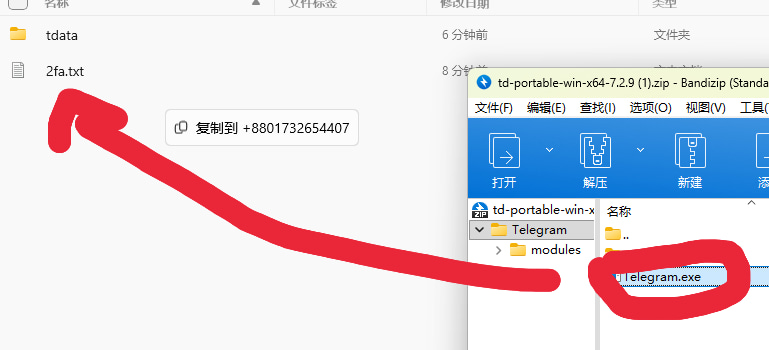 电脑 Tdata 格式文件登录教程
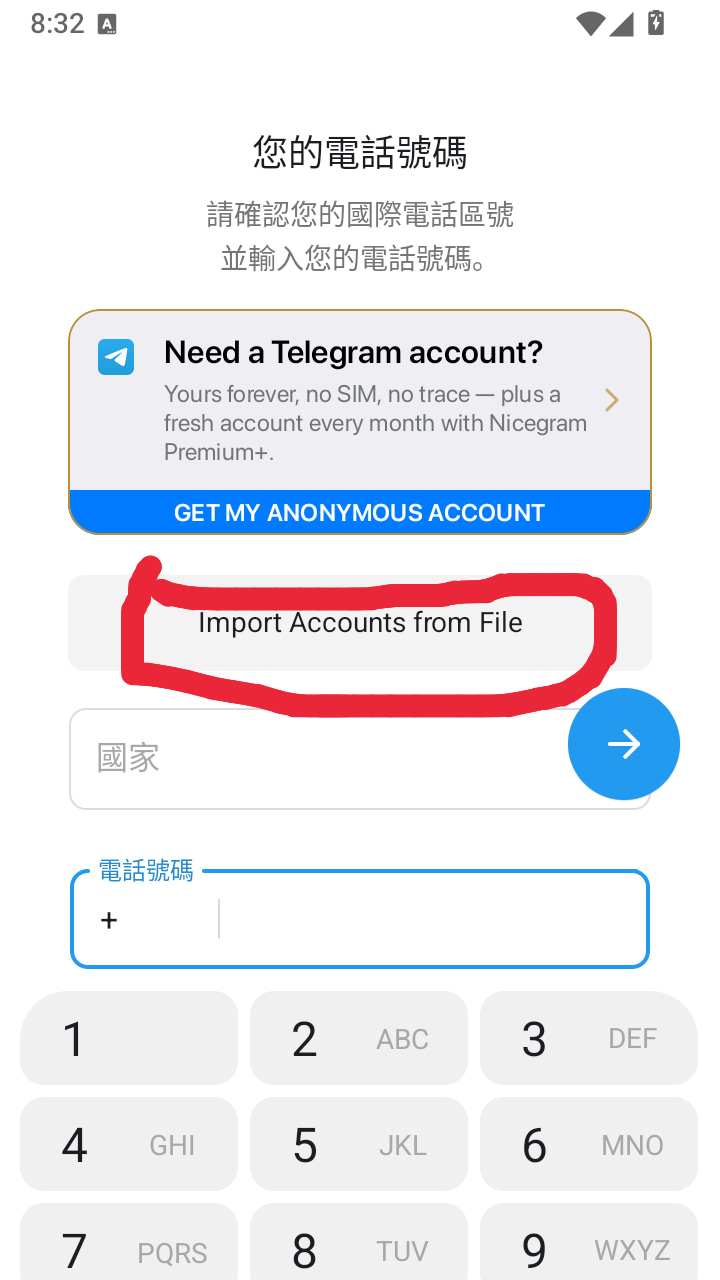 安卓第三方客户端 NiceGram 格式文件登录教程
评论 0